Rest Your Hand. Tilt to Shade.
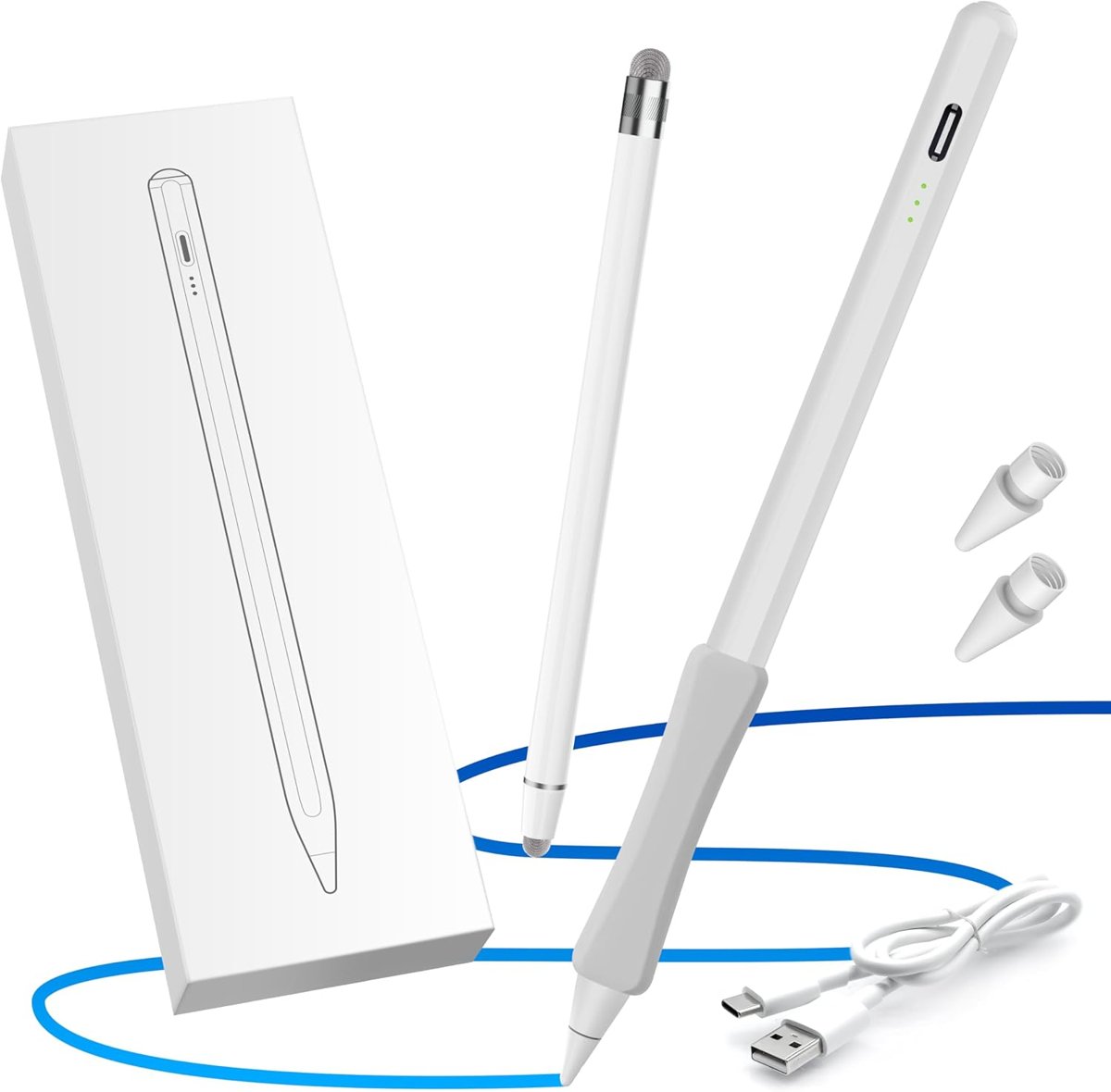
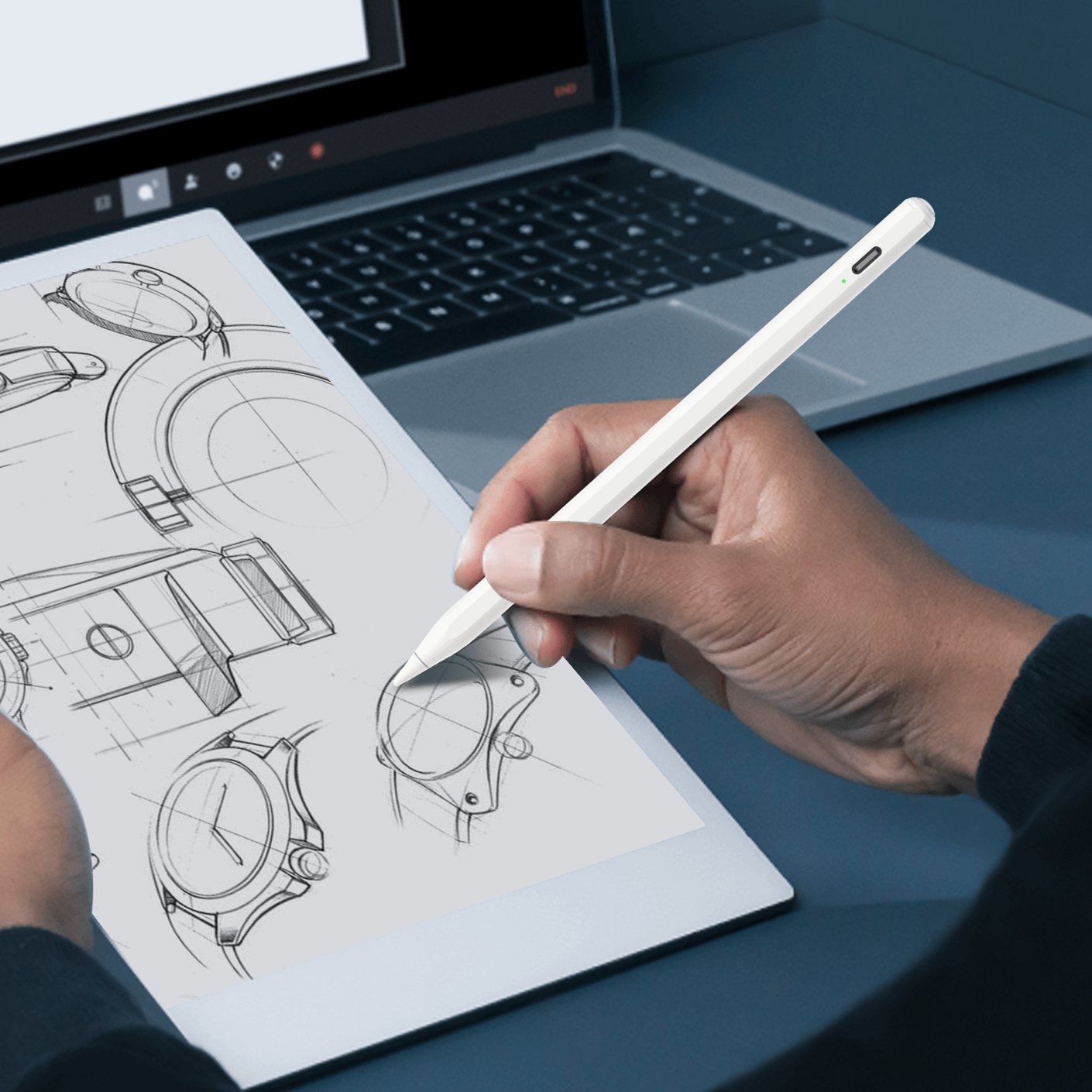
The pencil for iPad ignores your palm and reads the angle of its tip, so sketching feels like paper.
DiscoverWrite in the margins. Styluses that feel like a pen and work like a fingertip.


Meet the OASO stylus family
We make styluses for the notes in the margins: a disc tip pen that works on any touch screen with no charging and no pairing, and a palm-rejection pencil for iPad that lets you rest your hand and shade with a tilt.
 4.3★22,000+ reviews
Palm rejection, tilt shading and a one-button switch for iPads from 2018 on.
A clear disc that lands exactly where you look. Phones, tablets, Chromebooks, anything with a touch screen.
Six fresh nibs per pack. Screw the old one out, the new one in, and keep writing.
Made for your everyday
The pencil for iPad ignores your palm and reads the angle of its tip, so sketching feels like paper.
Discover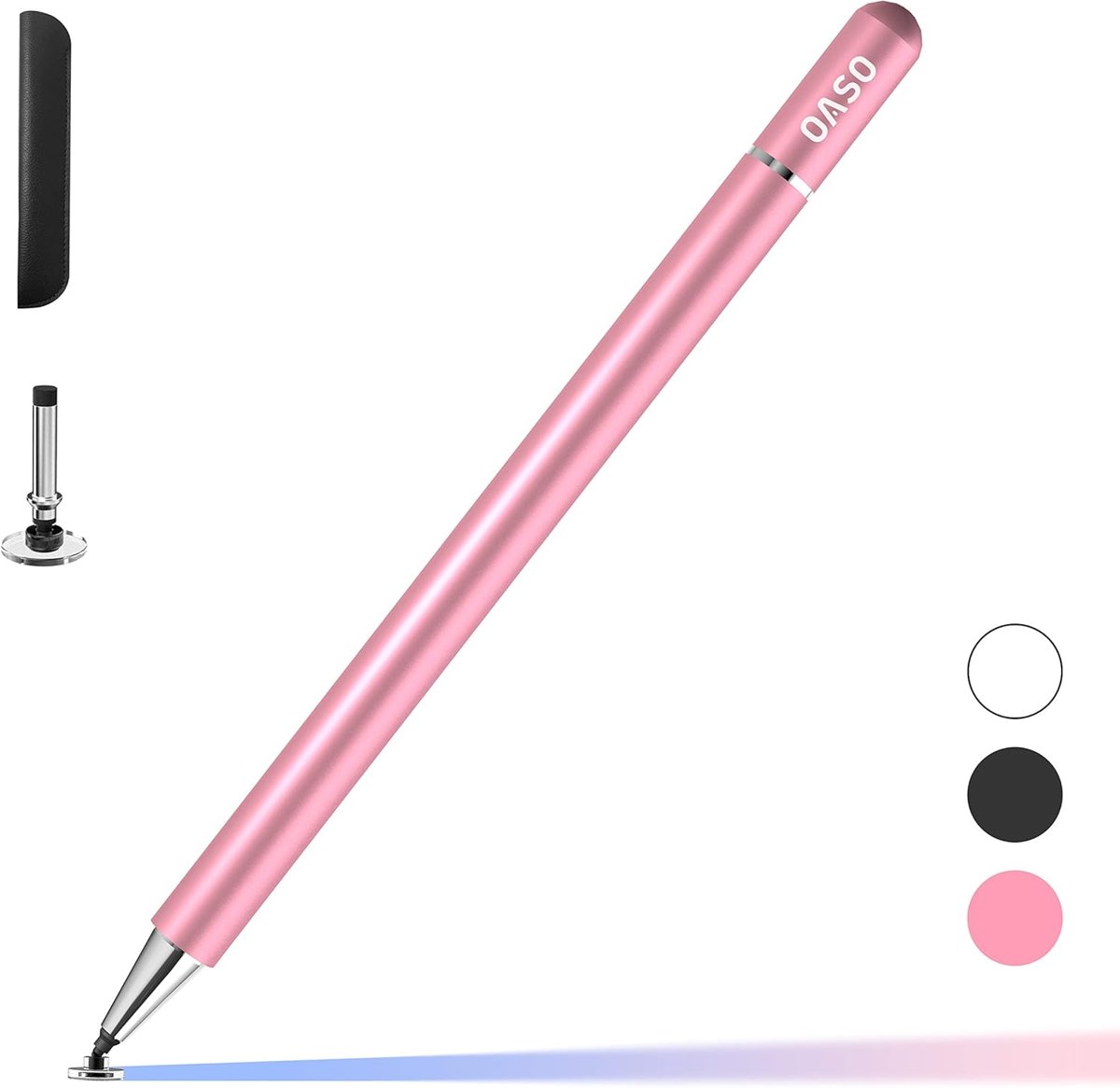
The magnet-cap disc stylus in white, pink, black and silver. No pairing, nothing to charge.
Discover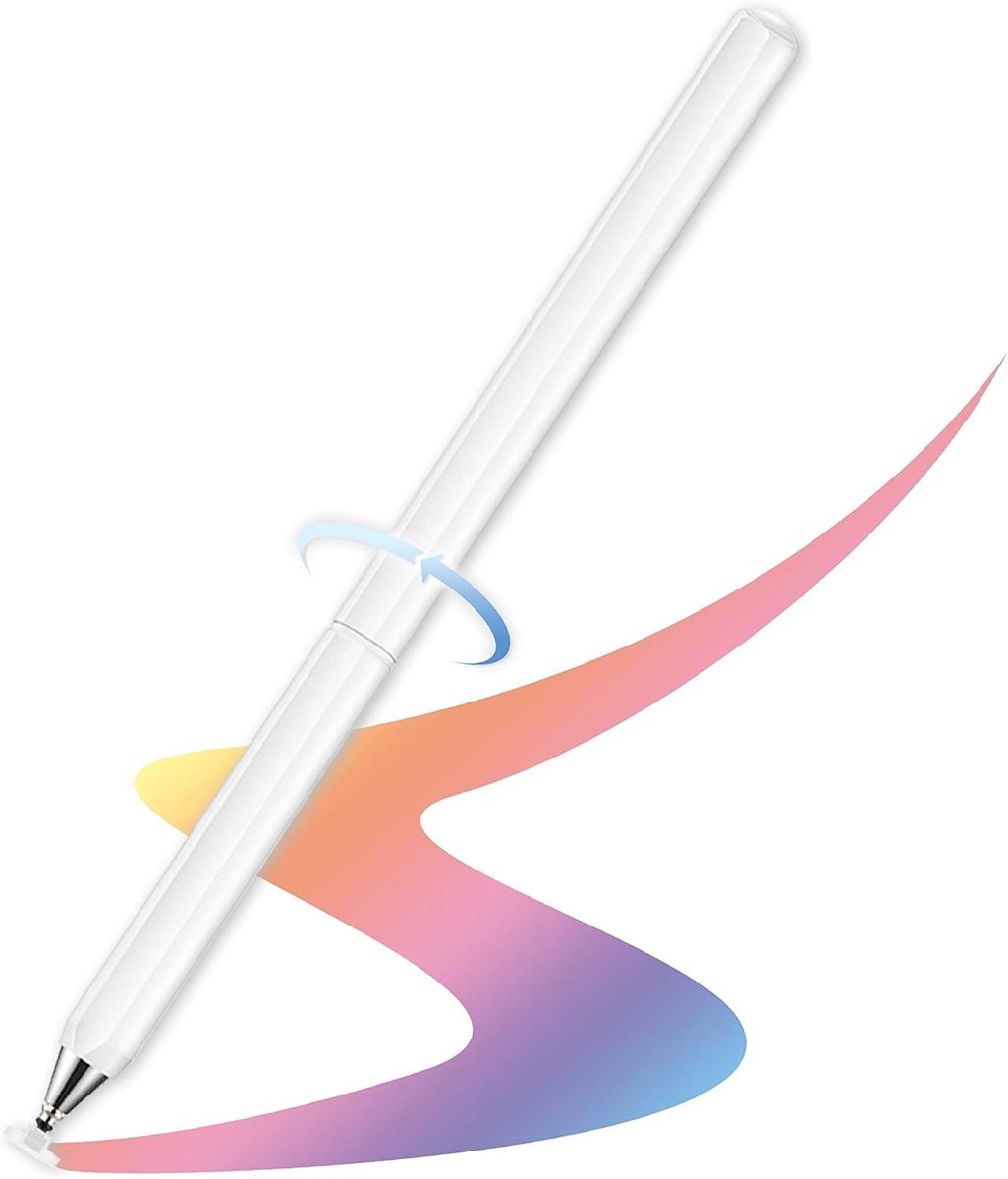
The rotate-360 stylus hides its disc inside the barrel. No cap to lose, ever.
DiscoverDisc styluses work the second the cap comes off.
Nothing to plug in before class or a meeting.
Rest your hand on the iPad while you write.
Snaps on either end, so it never rolls away.
A backup disc hides in the barrel.
Fresh nibs and discs whenever you need them.
Find your perfect match
iPad Pencil
4.2 · 838 shopper reviews
Rest your hand, tilt for shading, and one press wakes it up. A disc stylus for your phone rides along.
Disc Styluses
4.3 · 22,296 shopper reviews
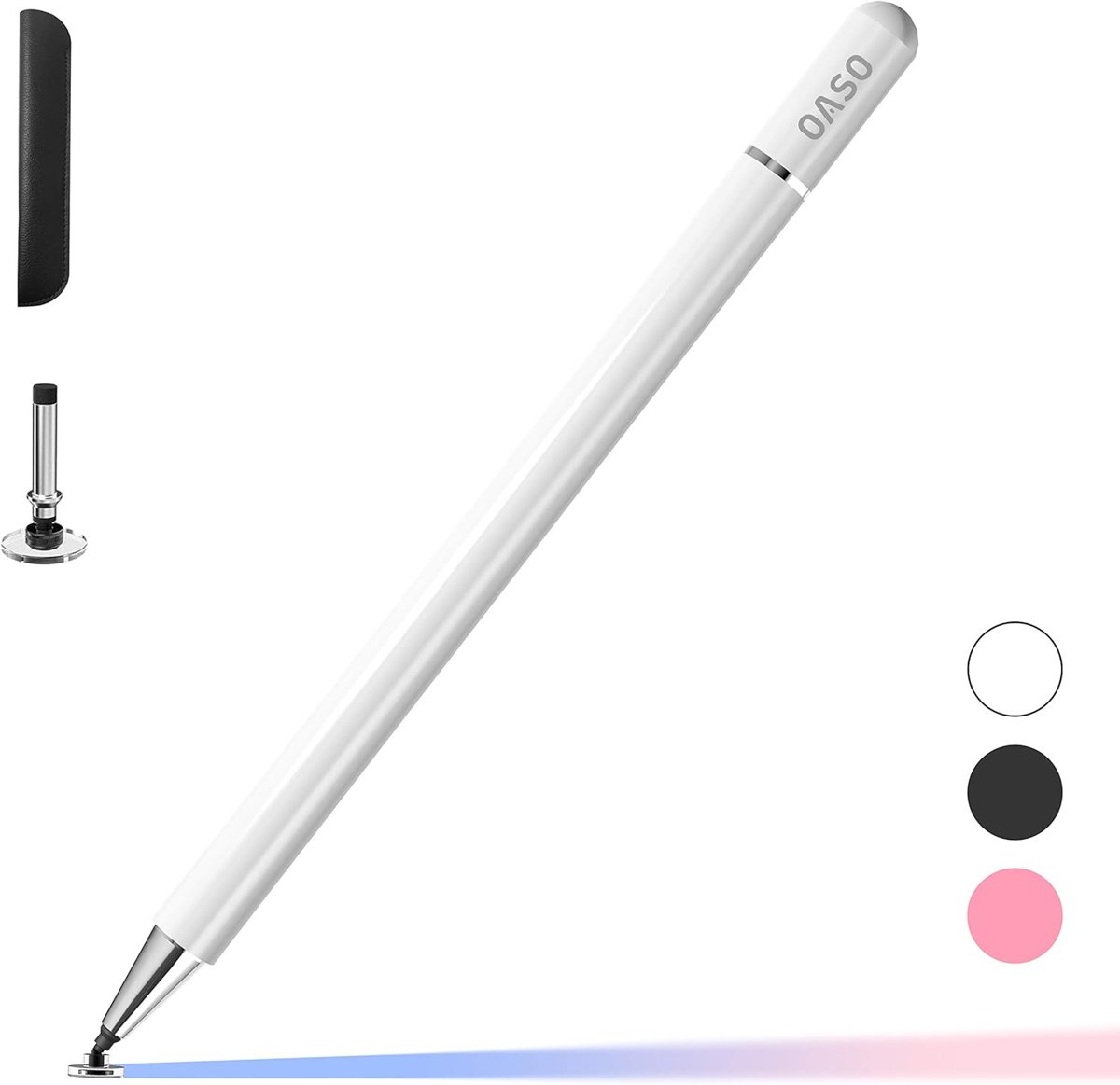
Our bestselling disc stylus in clean white. Magnet cap on, spare disc inside, works on any touch screen.
Disc Styluses
4.3 · 22,296 shopper reviews
The same trusty disc stylus in soft pink. Easy to spot on a busy desk, easy to share in a family.
Disc Styluses
4.3 · 22,296 shopper reviews
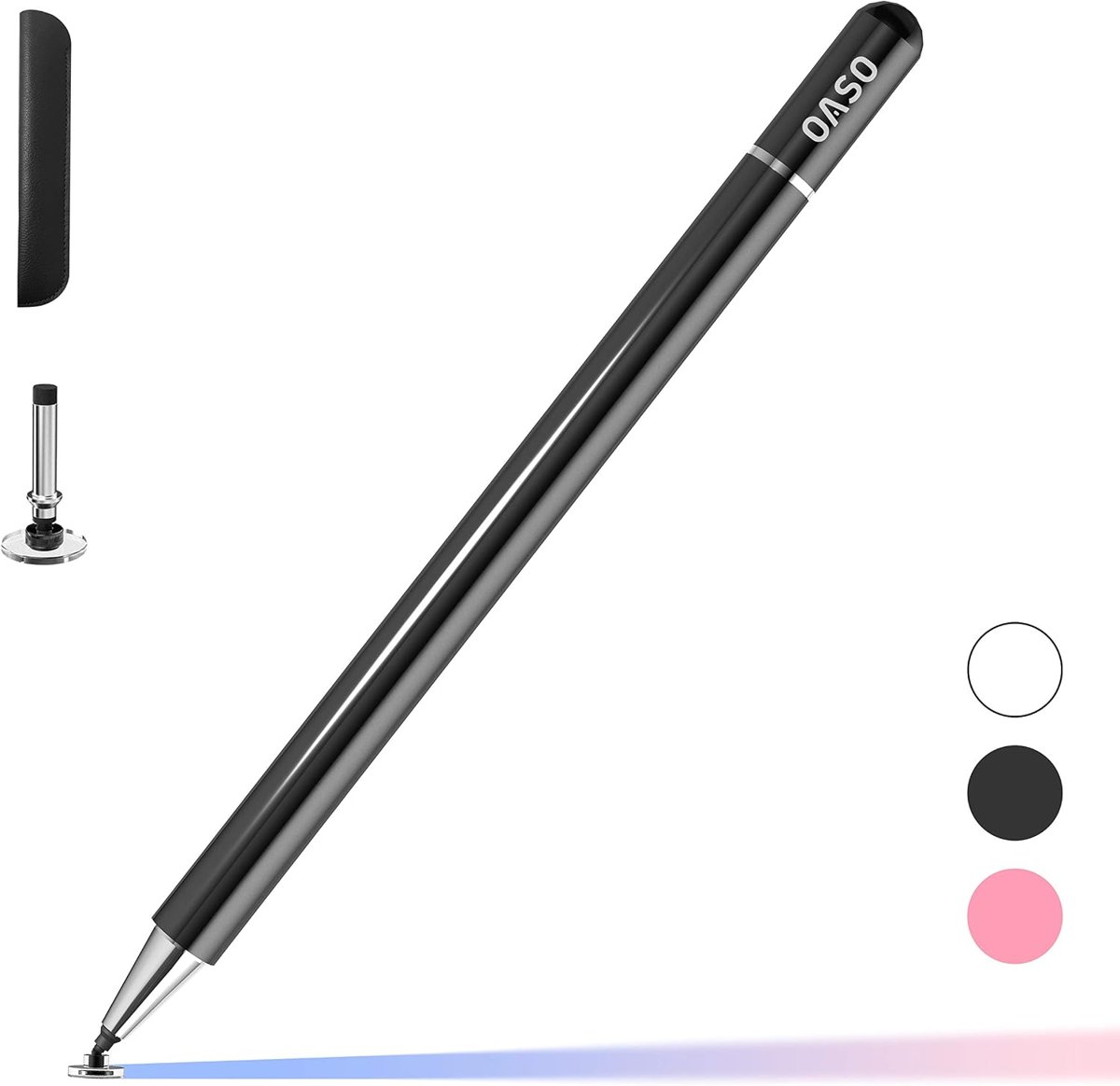
Matte black for the meeting-room crowd. Signs PDFs, marks up slides, taps tiny buttons.
Disc Styluses
4.3 · 22,296 shopper reviews
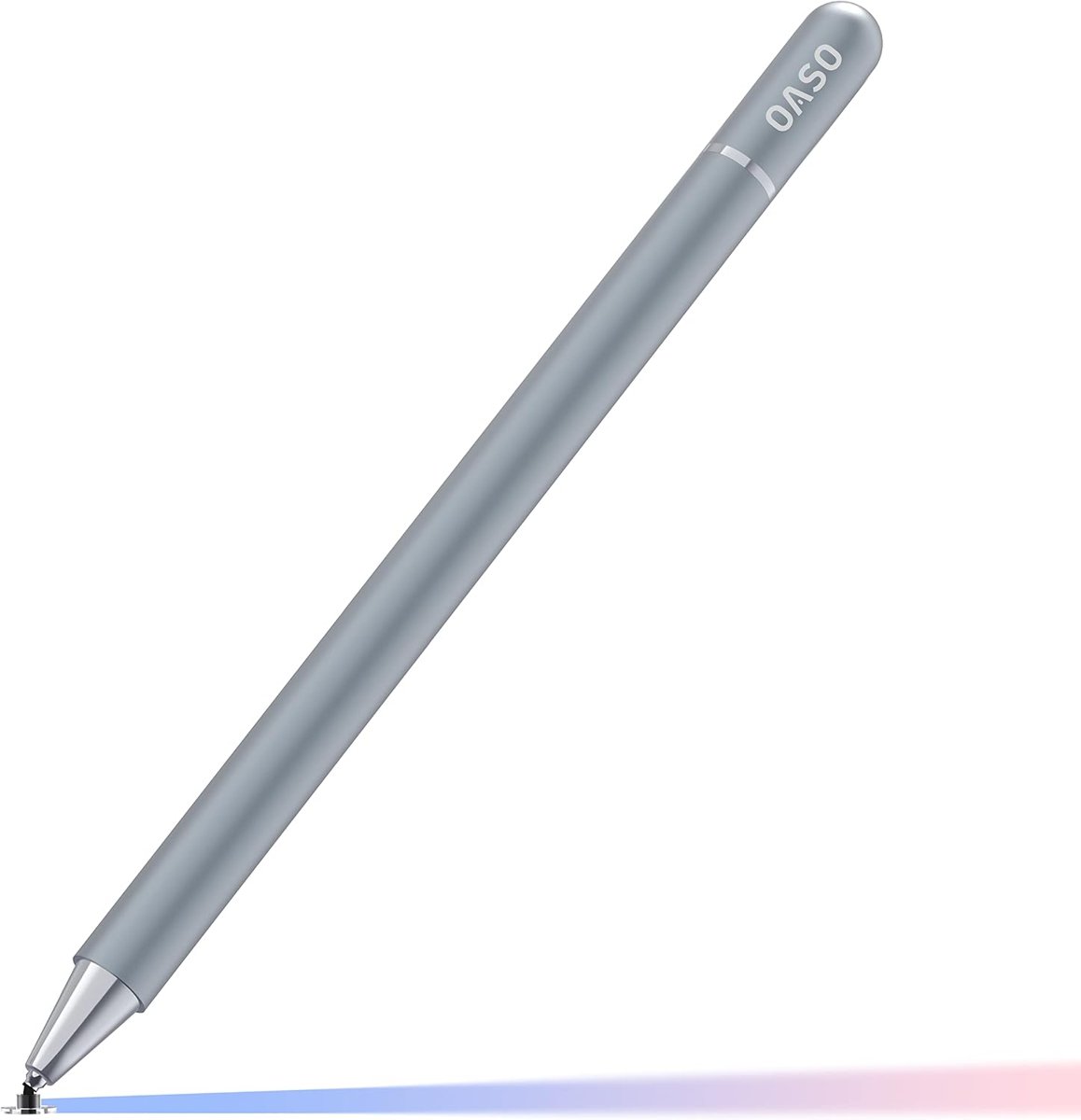
Brushed silver that matches a silver tablet. The classic magnet-cap stylus, only shinier.
Disc Styluses
4.3 · 15,321 shopper reviews
No cap to lose. Twist the barrel and the disc slides out; twist back and it hides away.
Replacement Tips
4.6 · 262 shopper reviews
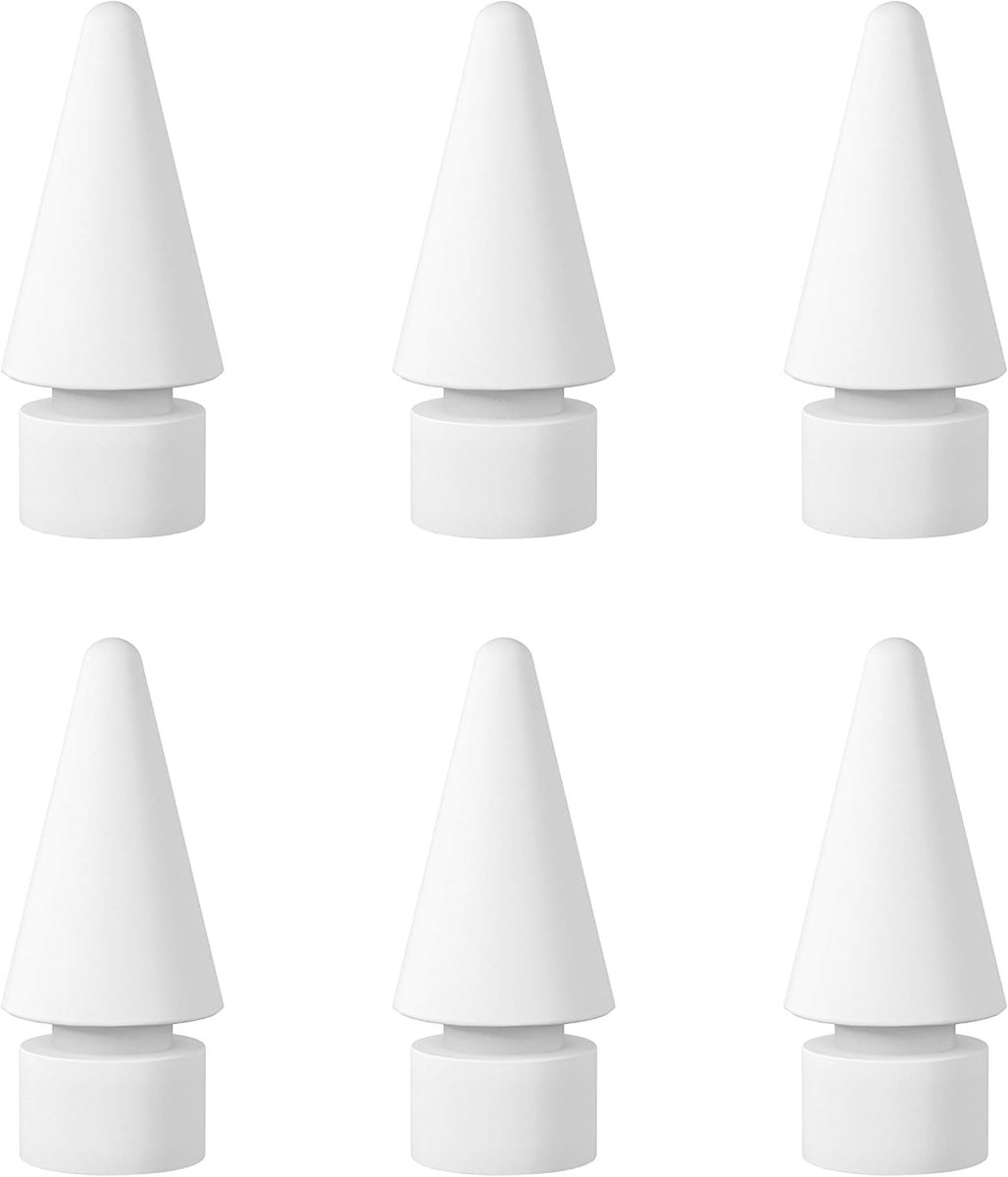
Six fresh nibs for Apple Pencil 1 and 2 and pens with the same thread. Quiet, smooth, screen-safe.
Replacement Tips
4.6 · 266 shopper reviews
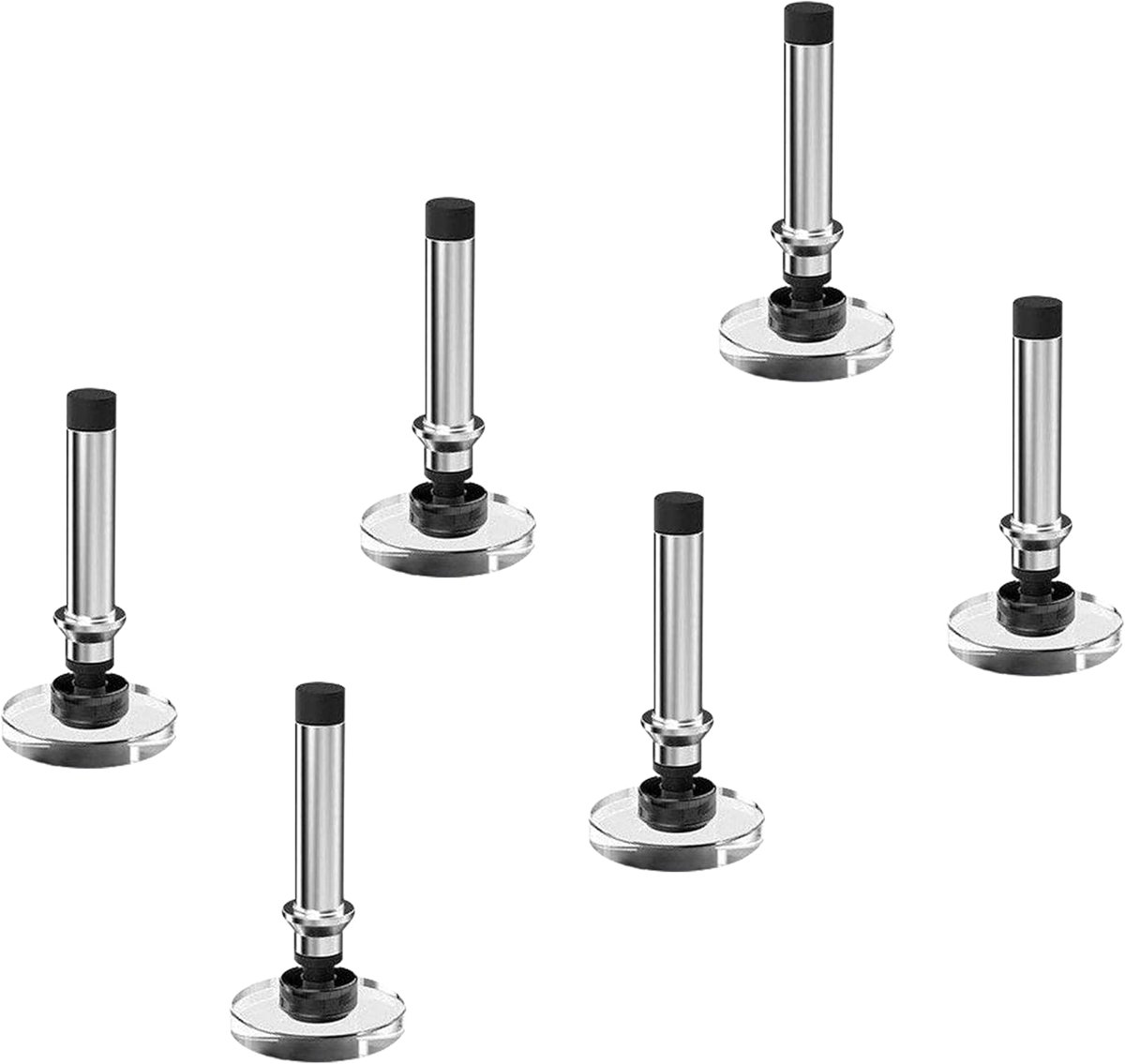
Six clear discs on steel ball joints. Pull the old one, push in the new one, keep writing.
Two tips, two jobs
Drag the handle. On the left, the clear disc that works on every touch screen; on the right, the fine pencil nib made for iPad writing and shading.
The magnet cap design
A small magnet in the cap holds it on the back of the pen while you write and over the disc when you are done. The disc stays clean, the cap stays put, and a spare disc waits inside the barrel.
Explore disc styluses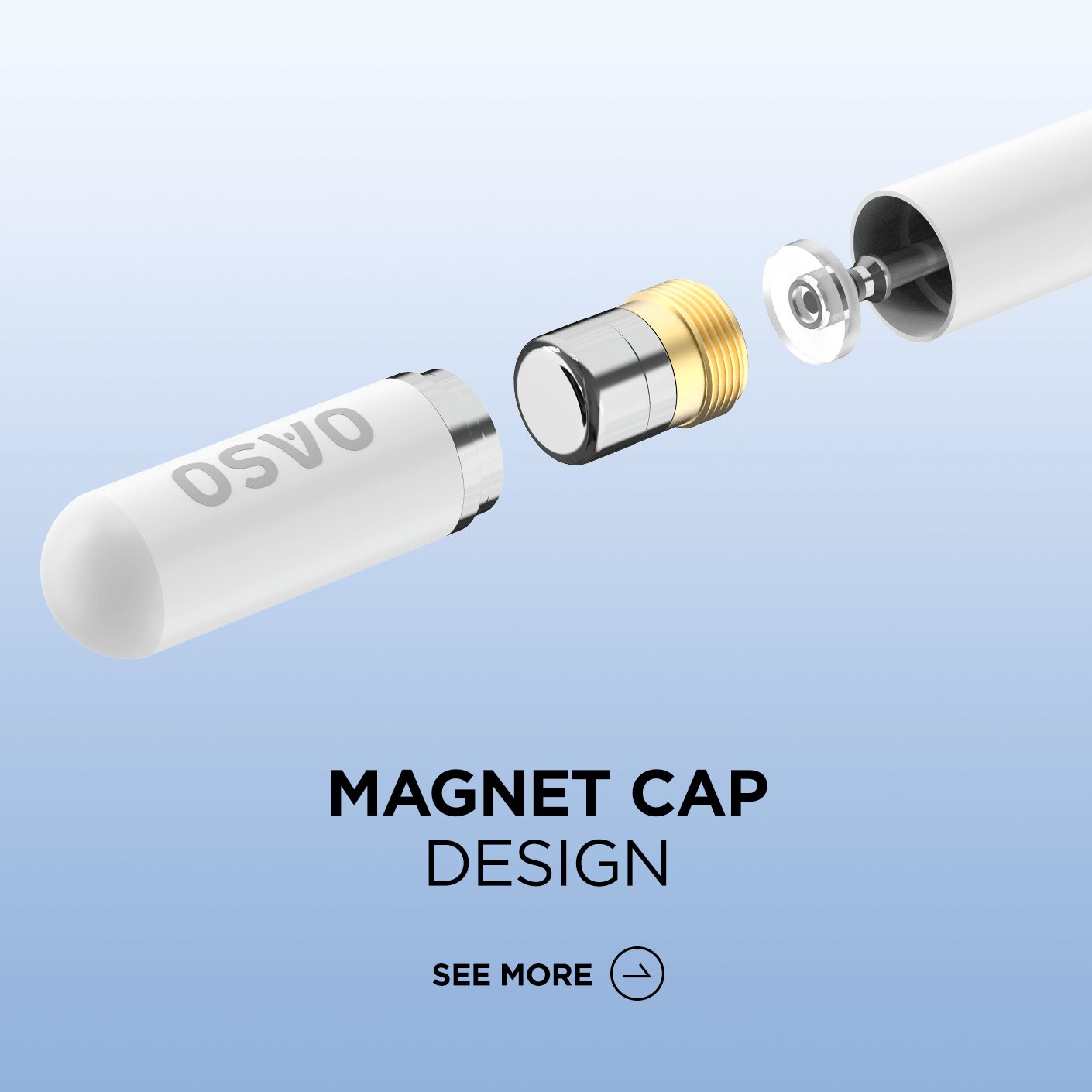
Our story
OASO started with one simple pen: a disc stylus with a magnetic cap that worked on every screen we owned. Thousands of notebooks, sketchbooks and signing screens later, the family has grown to a palm-rejection pencil for iPad, a rotate-360 stylus with no cap at all, and six-packs of replacement tips.
We keep the idea small on purpose. A good stylus should feel like a pen, work like a fingertip and be ready the moment a thought shows up in the margin.
Details we designed
Find your perfect match
| Your device | Palm rejection pencil | Disc tip styluses | Pencil tips 6-pack |
|---|---|---|---|
| iPad 6th–10th gen (2018 and later) | Fits | Fits | Fits |
| iPad Air 3/4/5 and iPad mini 5/6 | Fits | Fits | Fits |
| iPad Pro 11″ / 12.9″, incl. M-series | Fits | Fits | Fits |
| iPad models before 2018 | — | Fits | — |
| iPhone and Apple Watch | — | Fits | — |
| Android phones, Samsung Galaxy Tab | — | Fits | — |
| Fire HD and Kindle Fire tablets | — | Fits | — |
| Chromebooks and touch-screen laptops | — | Fits | — |
Pencil tips also fit Apple Pencil 1st and 2nd generation. Disc tips fit every OASO disc stylus.
From the OASO community
A few words from the people who keep an OASO next to their screen.
 OASO community
5/5
My eight-year-old does her letter tracing on the tablet. With her finger it was a mess; with the pink stylus her letters actually stay inside the lines. And there is nothing to charge the night before.
 OASO community
5/5
I sketch fashion flats in Procreate. Palm rejection means I can lean on the iPad the way I lean on paper, and tilting for shading works better than I expected for the price.
 OASO community
5/5
I sign delivery forms and mark up drawings on a Galaxy Tab all day on site. The black disc pen survives my pocket, the cap stays on, and I have never once had to charge it.
 OASO community
5/5
I have lost every stylus cap I have ever owned. The twist design solved that, and the flat side keeps it from rolling off my slanted drafting table.
 OASO community
5/5
My old pencil nib had worn to the metal and clicked on every tap. Six new tips for less than one from the store, and they feel just as smooth.
 OASO community
5/5
We bought a set of white disc styluses for our classroom iPads. Kids share them, drop them, lose the odd cap, and the spare disc inside has saved us more than once.
Composite stories, written from the kinds of notes people send us about their pens.
No. Our disc tip styluses are passive capacitive pens: there is no battery, no pairing and no app. Take off the cap and write.
Yes, if your finger works on the screen, the disc stylus will too. That covers iPhone, Android phones, iPad, Galaxy Tab, Fire tablets and Chromebooks.
iPads from 2018 on: iPad 6th to 10th gen, iPad Air 3/4/5, iPad mini 5/6 and iPad Pro 11″ and 12.9″ including M-series models.
No. It supports palm rejection and tilt shading, but line weight does not change with pressure. For most notes and sketches, tilt gives you plenty of control.
Unscrew the back end of the magnet-cap stylus and the spare disc slides out of the barrel. The rotate-360 stylus ships with its spare in the box.
Our disc tip styluses are capacitive pens: the clear silicone disc on the tip acts like a fingertip on the screen, so an OASO stylus works on iPad, iPhone, Samsung Galaxy Tab, Android phones, Fire HD tablets, Chromebooks and Surface without pairing, batteries or apps. That makes them the easiest stylus for kids, classrooms and shared family tablets.
For drawing and handwriting on iPad, we make a palm rejection stylus pencil for iPad 6th to 10th generation, iPad Air 3/4/5, iPad mini 5/6 and iPad Pro 11″ and 12.9″ from 2018 on. It supports tilt shading and magnetic attachment, charges over USB-C and turns on with a single button. It skips pressure sensitivity, which keeps it a budget-friendly alternative to a first-party pencil for notes, planners and sketches.
The classic OASO disc stylus has a magnetic cap and a spare disc stored in the barrel, and comes in white, pink, black and silver. The rotate-360 stylus has no cap at all: twist the barrel and the disc slides out; twist again and it retracts. Both are made for precise note-taking, signing documents, playing games and navigating small on-screen targets.
Worn tips cause skipped strokes and noisy taps. Our replacement pencil tips come in a 6-pack and fit Apple Pencil 1st and 2nd generation plus our own iPad pencil. Our replacement disc tips come in a 6-pack for OASO disc styluses and most capacitive pens with a ball-joint disc.
If you want to write and draw on an iPad from 2018 or later with your hand resting on the screen, pick the palm rejection pencil. If you need one pen for a phone, an Android tablet, a Chromebook or an older iPad, pick a disc stylus. If you already love your pen, keep it going with a pack of fresh tips.
Write in the margins
Find the OASO pen that fits your screen, your hand and the notes in your margins.
 Write in the margins


